# How to Delete Files in Terminal on Mac (Without Regrets)
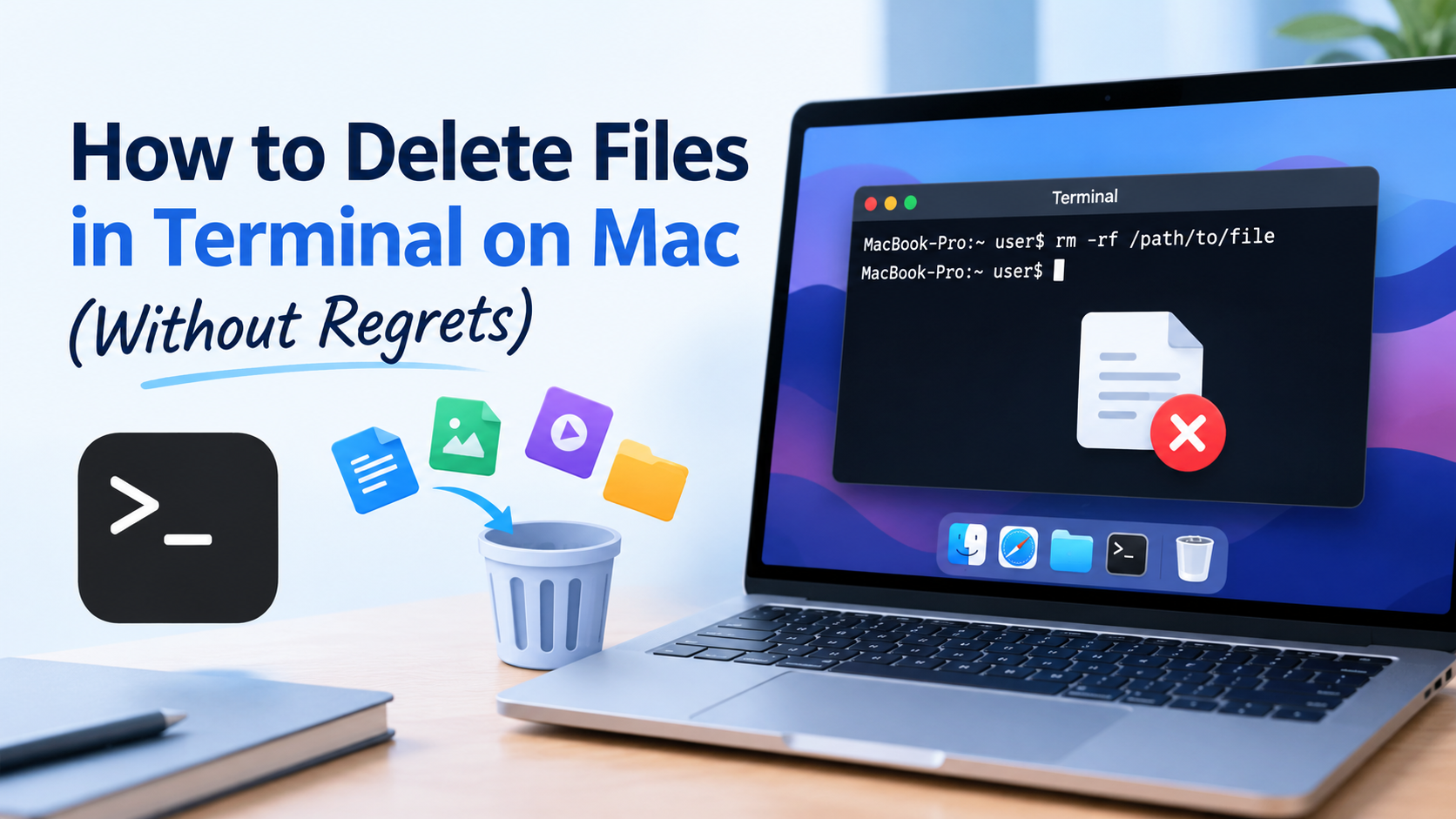
Finder’s Trash is forgiving, but sometimes Terminal is faster, especially for stubborn files, hidden items, or large folders. Learning **[how to delete files in Terminal](https://datarecovee.com/knowledge-base/delete-completely-mac-terminal/)** gives you precise control over your Mac. It also comes with one big catch: Terminal skips the Trash. When a command runs, the item is removed from its location immediately.
## Open Terminal
Use Command + Space to pull up Spotlight Search. Type 'Terminal' and hit Return. You can also find it in Applications > Utilities.
## How to Delete Files in Terminal
The `rm` command removes a file. Type it, then the file’s path:
```rm ~/Desktop/report.txt```
The ```~``` symbol means your home folder. For a safety net, add -i and Terminal will ask for confirmation first:
```rm -i ~/Desktop/report.txt```
If the filename has spaces, wrap it in quotes: ```rm "Project Notes.pdf"```. A handy trick is to drag the file from Finder into the Terminal window, which pastes its exact path and avoids typos.
## Terminal Delete Directory on Mac: Two Methods
**Empty folder:** use ```rmdir```.
```rmdir ~/Desktop/OldFolder```
It fails if the folder contains anything, which protects you from accidents.
**Folder with contents:** use ```rm -r```.
```rm -r ~/Desktop/OldFolder```
The ```-r``` flag means recursive, so Terminal deletes the folder and everything inside it.
You’ll also see ```rm -rf```, which adds force and suppresses prompts. It’s powerful, so never run it on a path you haven’t double-checked.
## When You Get “Permission Denied”
Don’t jump straight to force. First check ownership with ```ls -l "/path/to/file"```. If you’re sure you should remove the item, ```sudo rm "/path/to/file"``` runs the command with administrator rights, and you’ll be asked for your password. Never use it on macOS system files.
## Is Terminal Deletion Permanent?
In the case of files, deletion is actually permanent; however, this doesn’t mean the data can’t be recovered. If you’re giving away or selling your Mac, make sure you use Apple’s official method of erasing the drive instead of manually deleting files.
## Safe Habits Before You Press Return
- Run ```ls``` on the folder first to see what’s inside.
- Use ```rm -i``` when you’re unsure.
- Keep a Time Machine backup.
- Never paste a command you don’t understand.
## Deleted the Wrong Thing? Here’s What to Do
Users can accidentally delete files. Sometimes a slight mistype in a path can cause the deletion of many files. New data can overwrite old deleted data. You need to stop saving data to that drive and use recovery software. Visit **datarecovee.com** to learn more.